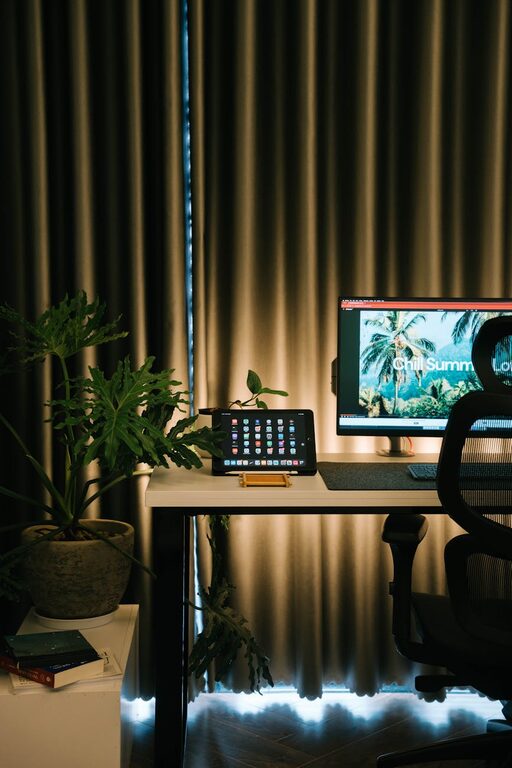
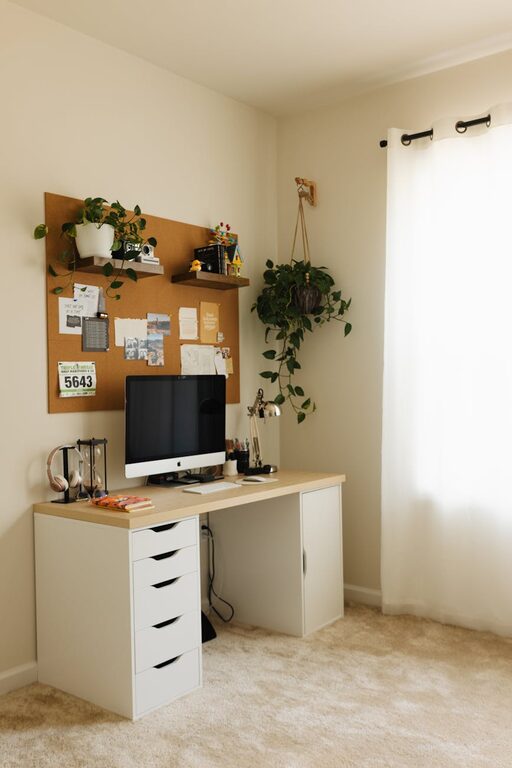
Creating a home office that balances comfort with productivity can seem challenging, but a well-designed space helps you focus and feel relaxed throughout your workday. Whether you have a dedicated room or a small corner in your home, making thoughtful choices can transform your workspace into an inspiring and cozy environment. Below are practical tips to help you set up the perfect home office.
Choose the Right Location
Find a Quiet Spot
Start by selecting a space with minimal distractions. If possible, choose a room that is away from noisy areas like the living room or kitchen. If a separate room isn’t available, use noise-canceling headphones or room dividers to create a sense of separation.
Natural Light is Key
Try to position your desk near a window. Natural light improves mood and reduces eye strain. If windows aren’t an option, invest in quality daylight bulbs for your office lighting.
Invest in Comfortable Furniture
Ergonomic Chair
An ergonomic chair supports your posture for long hours, reducing back and neck pain. Look for adjustable height, lumbar support, and comfortable padding.
Functional Desk
Choose a desk that fits your work style and space. Standing desks or desks with adjustable heights are great options to switch positions and stay active.
Organize for Efficiency
Declutter Your Space
Keep your desk free from unnecessary items. A clutter-free environment reduces stress and helps you focus.
Use Storage Solutions
Shelves, drawers, and organizers keep supplies tidy and within reach. Labeling boxes or filing systems can save time searching for documents.
Add Personal Touches
Incorporate Plants
Plants bring life and freshness to a workspace. They also improve air quality and create a calming atmosphere.
Display Inspirational Items
Photos, artwork, or motivational quotes can boost creativity and keep you inspired throughout your day.
Optimize Lighting
Layer Your Lighting
Combine ambient lighting (ceiling lights), task lighting (desk lamps), and accent lighting to reduce eye strain and create a cozy ambiance.
Avoid Glare
Position your monitor to reduce glare from windows and lamps. Adjusting curtains or using blinds can help control natural light.
Manage Technology Wisely
Organize Cables
Use cable organizers or clips to keep cords tangle-free and off your desk.
Invest in Quality Equipment
A reliable computer, headset, and printer can streamline your work. Choose devices that suit your specific needs.
Set Boundaries
Define Work Hours
Even though you’re working from home, set specific office hours to maintain balance.
Create a Ritual
Starting your day with a simple routine, like making coffee or tidying your desk, can signal your brain that it’s time to focus.
Add Comfort Features
Temperature Control
Ensure your office temperature is comfortable. A fan or space heater can help if your home’s HVAC system isn’t sufficient.
Soft Textiles
Add cozy rugs, cushions, or blankets to make the space inviting during breaks.
Maintain Your Space
Daily Tidying
Spend a few minutes at the end of each day organizing your desk and planning for the next day.
Regular Deep Cleaning
Clean windows, dust surfaces, and sanitize equipment weekly to keep the environment fresh and healthy.
—
Creating a cozy and productive home office is about balancing comfort with functionality. By thoughtfully arranging your workspace, investing in the right furniture, and personalizing your environment, you can create a spot that motivates you to do your best work every day. Remember, small changes can make a big difference, so start with a few tips and expand your space over time!